
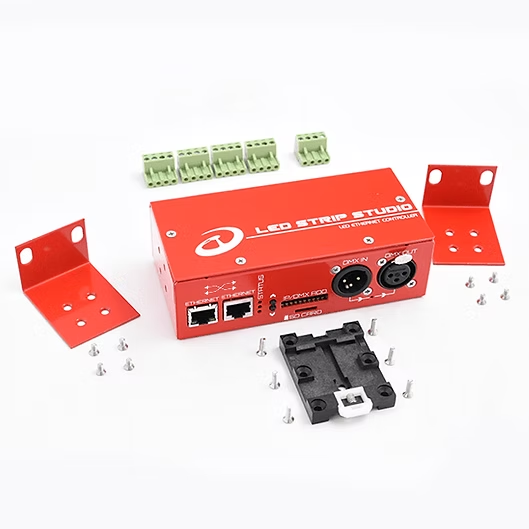
Art-Net is a network protocol used to transmit DMX data over Ethernet. Does that sound complicated? Simply put, Art-Net transmits information for lights (LED lights, spotlights, moving heads) over a computer network instead of using traditional DMX cables. This means fewer cables and more possibilities, since you can control more devices.
Where is Art-Net used? #
Mainly in places where there are many lights and we don’t want to deal with a multitude of cables.
For example, at concerts, in theaters, at festivals, or even in architectural lighting installations. Anywhere where you need to control many lights at once and can’t deal with unnecessary cabling. It saves time, effort, and space :)
What is the difference between Art-Net and DMX? #
DMX512 is the classic way to control lighting. It’s a signal that lights receive and act upon. The problem is that via a DMX cable, we can only send 512 channels per “universe” (more on that below). This can be limiting in some cases.
And that’s where Art-Net comes in, transmitting the same DMX data but over a network—faster, over longer distances, and without the need for tons of cables.
Who generates Art-Net? #
An Art-Net signal can be generated by various devices:
- Lighting consoles – such as GrandMA,
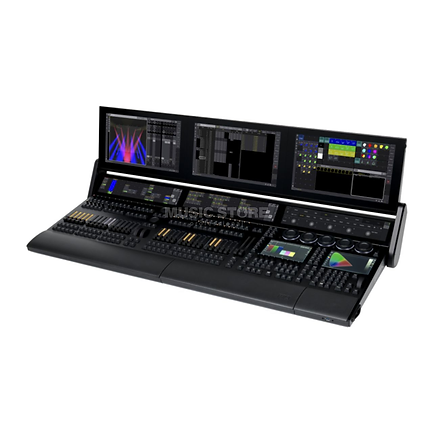
GrandMA is used for professional lighting shows.
- Software – there are programs that allow you to control lights via a computer, such as LED Strip Studio 3.
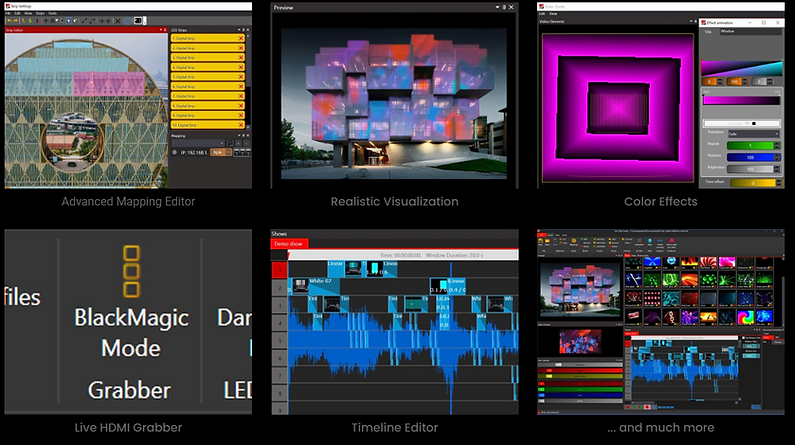
- Converters – devices capable of converting data from another protocol to Art-Net and vice versa.
And what receives it? #
For the Art-Net signal to control lights, it must be received somewhere:
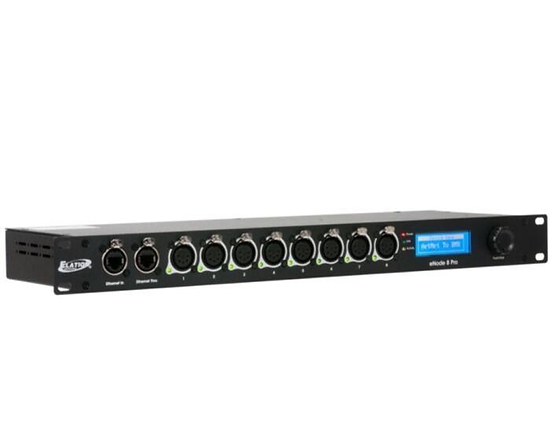
- Art-Net node – a device that converts Art-Net to classic DMX so that lights that only support DMX can work with it.
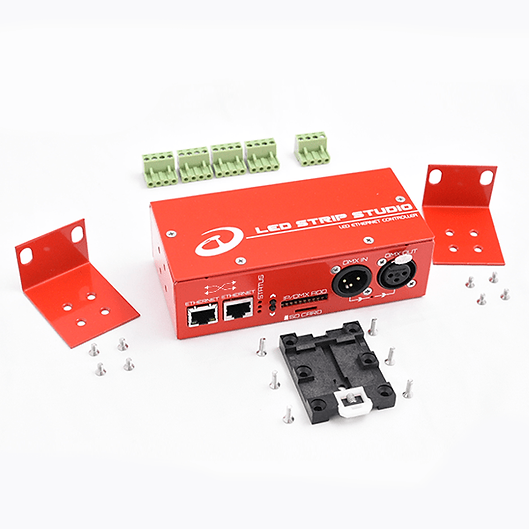
- Art-Net LED controllers (e.g., LEC 3)
What does “universe” mean? #
A universe refers to a block of 512 channels. Each light can have a different number of channels
(e.g., a simple LED light may have only 3—R, G, B), but more complex lights can have over 20.
If you have many lights, you need more “universes.” Art-Net allows you to transmit up to 32,768 at once over the network, so it’s not as limited as classic DMX.
What about terms like unicast, multicast, and broadcast? #
When sending Art-Net data, we can send it in various ways:
- Broadcast – we send data to all devices on the network, even if some of them don’t need it (this can unnecessarily burden the network).
- Multicast – we send data only to a group of devices within a specific universe (more efficient).
- Unicast – we send data only to a specific device at its IP address (most efficient, but requires a well-configured network).
Why is ArtNET important? #
It simplifies lighting control, allows for greater flexibility, and saves both time and money (fewer cables, fewer problems).
**Where can I learn more? #
Head here and book a free consultation with us – we’ll explain this and many other features and help you bring your project to perfection.
What’s the practical difference between Art-Net and running a regular DMX cable?
One regular DMX cable carries a maximum of 512 channels — enough for 170 RGB pixels. If you need more, you need another physical cable. Art-Net sends all those universes over a single Ethernet cable to a switch, and from the switch to as many controllers as you need. For any installation with more than a couple of hundred pixels, Art-Net is dramatically simpler and more scalable than running individual DMX cables.
Does Art-Net work over Wi-Fi, or does it need a wired connection?
Art-Net technically works over Wi-Fi, but it’s not recommended for professional installations. Wi-Fi introduces variable latency and packet loss that shows up as visible flicker in the LEDs. For anything serious, use wired Ethernet. Wi-Fi is acceptable for small home setups with a Reactivo 2 controller where a bit of occasional inconsistency won’t matter, but not for live events or broadcast environments.
How many LED pixels can Art-Net control in total?
Art-Net supports up to 32,768 universes, each holding 170 RGB pixels — that’s over 5 million individual RGB pixels from one Art-Net network. In practice, the limit is whatever your controller hardware and software can handle. LED Strip Studio with multiple LEC3 PRO controllers can realistically manage tens of thousands of pixels from a single laptop on a gigabit switch.
What’s unicast vs broadcast in Art-Net, and which should I use?
Broadcast sends the Art-Net data to every device on the network, even ones that don’t need it — simple to set up but inefficient on large networks. Unicast sends data directly to a specific controller IP — more efficient and reliable. For small dedicated LED networks, broadcast is fine. For large installations on shared networks, unicast to each controller’s static IP avoids flooding the network with unnecessary traffic.
Can my lighting console and LED Strip Studio software both control the LEDs at the same time?
Yes, through Art-Net merge. Both the console and LED Strip Studio output Art-Net, and the controller merges the two inputs — you configure which source takes priority or how they blend. This is common in theater and concert setups where the lighting designer uses the console for main cues and LED Strip Studio handles generative background effects running in parallel.