
The mobile app is one of the most convenient ways to change the animations played from your LED controller. With the LSS Remote app, you can now do this easily and conveniently. What's new compared to the previous version?
Added support for LEC3/SPI Matrix #
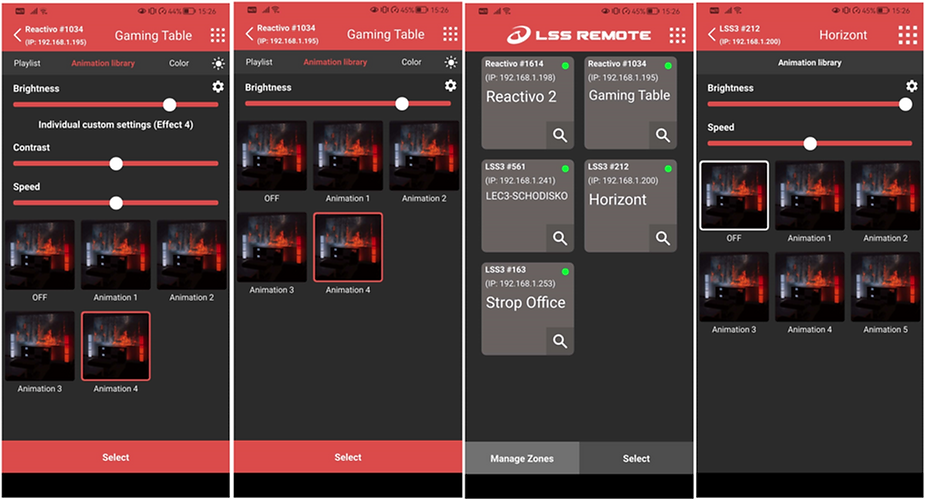
You can now see our two most advanced controllers in the list of devices on the network. These were previously omitted, but with the improved app, you can now control which animations are played directly from the app.
With the LED Ethernet Controller 3 and SPI Matrix, you can change effects, animation speed, and brightness. These three basic functions provide a very convenient way to change the mood in your space.
With the Reactivo controller, you have many more options, as this controller allows you to connect triggers and external sensors to it. Interested in learning more? Check out this video.
Lighting Setup for Our Home
We have many different decorations around the house. Each zone is controlled by a single device. Each device has a variety of effects stored on an SD card. The mobile app can recognize these and the content on the card, allowing you to change the effects.
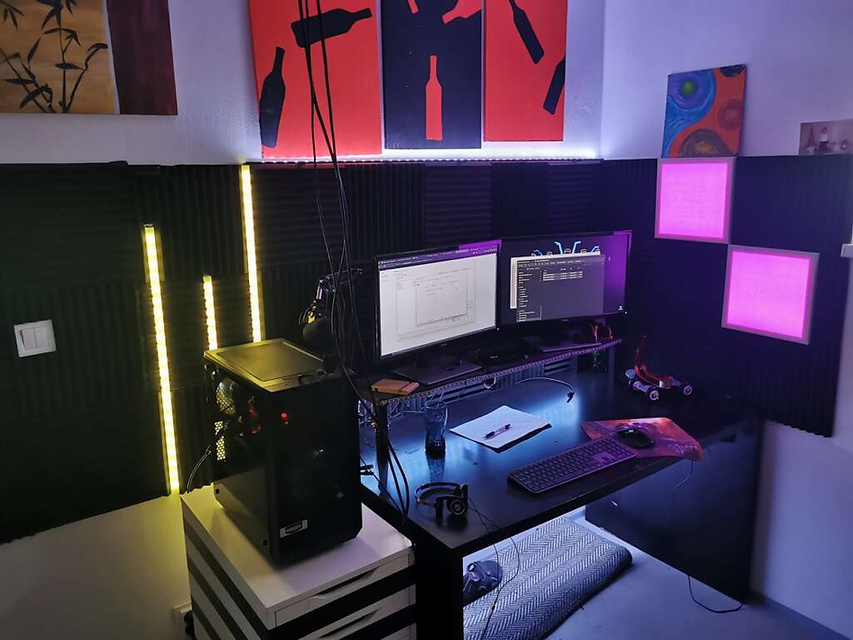
In the photo above, you can see the “Game Table.” This is controlled by a Reactivo device. A variety of effects are stored on the SD card, and the setup also uses our software for real-time screen capture.
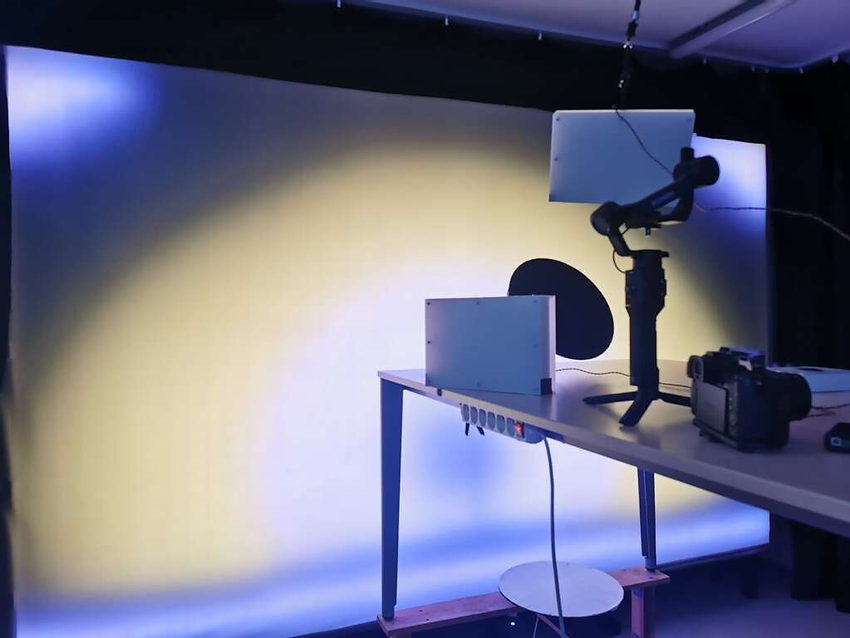
This is a backdrop made from digital LED strips, which you can see in some of our videos. It is controlled using a single LED Ethernet Controller 3, which is usually used with content-streaming software.
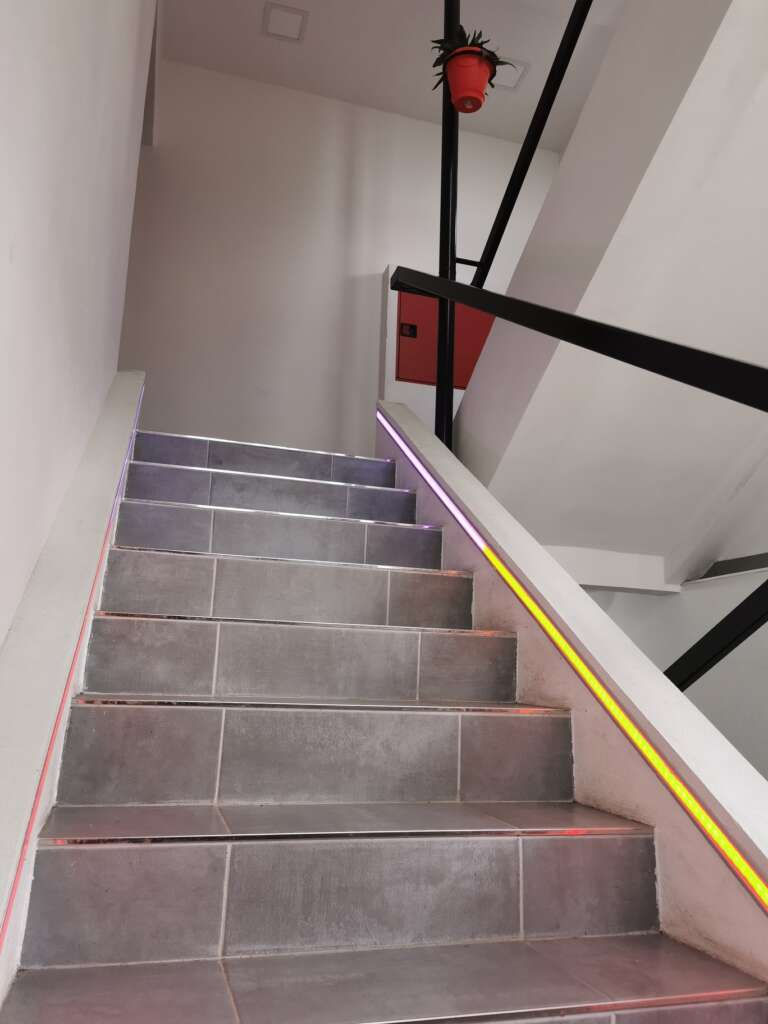
Our stairs with well-hidden LED profiles and strips. This is a work-in-progress project . Currently, it is controlled using an SPI Matrix device; we plan to use a single controller to which you can connect a sensor and program a trigger so that it lights up based on the direction someone starts walking and the time of day.
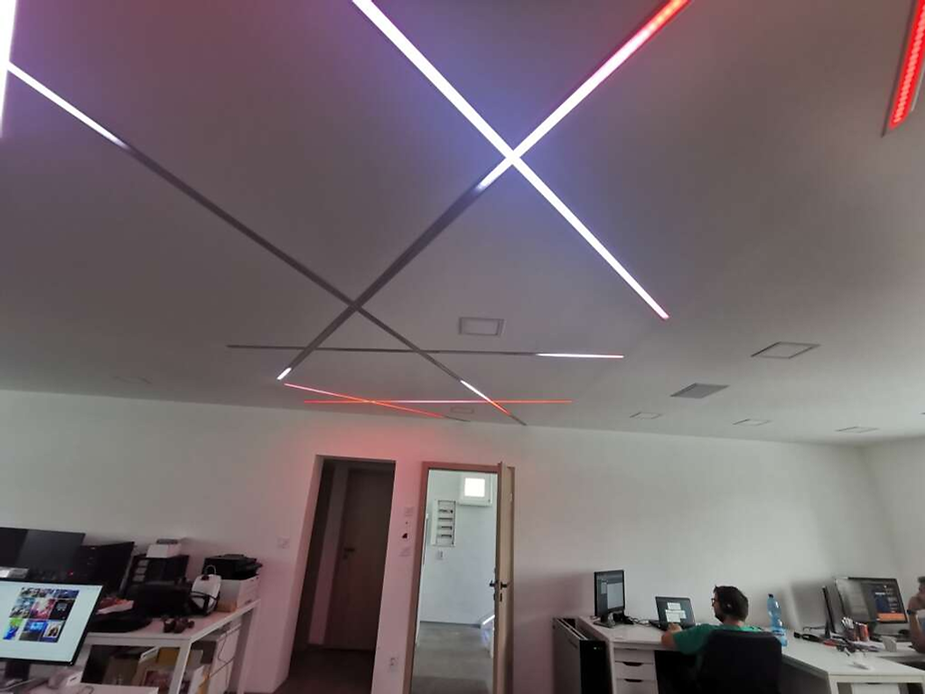
An office ceiling with a programmed show synchronized to music. Watch the full video here. The LED Ethernet Controller 3 is used here in combination with a Shelly switch and a custom sound card that triggers the show from a card as well as music from a player.
For more options on how to work with our software, please contact us or give us a call. We’d be happy to help!
Can I control my LED installation from my iPhone or Android phone?
Yes. LED Strip Studio controllers have a built-in web server, so you open any browser on your phone, type in the controller’s IP address, and you get a mobile-friendly interface to switch scenes, change brightness, and control animation speed. The Reactivo 2 connects over Wi-Fi, making it especially convenient for home and small commercial setups. No special app installation is required for basic control.
Do I need to be on the same Wi-Fi network to control my LEDs from my phone?
For the basic web interface, yes — your phone and the controller need to be on the same local network. If you want to control LEDs remotely over the internet, you’d need to set up remote access through your router (port forwarding or a VPN), which is a more advanced setup. For security reasons, exposing a controller’s web interface directly to the public internet without a VPN is not recommended.
Can I trigger LED scenes automatically based on a schedule or time of day?
Yes. LED Strip Studio controllers support time-based scheduling — you can set specific animations to play during certain hours, like a calm scene during the day and a high-energy effect in the evening. The controller handles this independently without needing a computer connected. You can also trigger scene changes via HTTP commands, which makes it easy to connect to home automation systems like Home Assistant or other smart-building platforms.
What can the mobile app do with the Reactivo controller that it can’t do with LEC3?
The Reactivo 2 supports external sensors and physical trigger inputs that the LEC3 doesn’t have built-in. This means you can wire motion sensors, buttons, or other triggers to the Reactivo and program it to change LED scenes in response — for example, staircase LEDs that light up when someone walks near them. The mobile app lets you configure these triggers and monitor their behavior remotely.
How many LED zones can I control independently from one mobile interface?
Each controller is its own zone, and each has its own web interface. If you have multiple controllers — say one for the bar area, one for the dance floor, and one for the entrance — you’d switch between their individual web pages in your browser to control each zone. For a more unified interface, LED Strip Studio software on a laptop provides centralized control over all controllers simultaneously from one screen.