
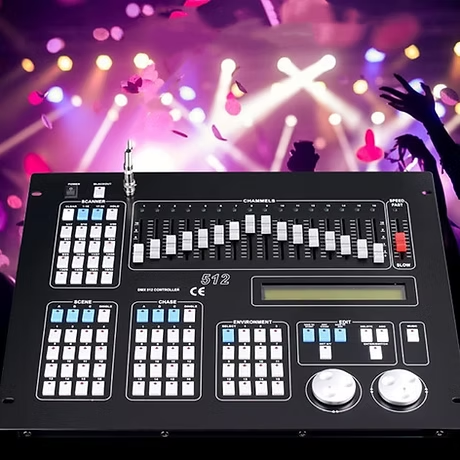
DMX (Digital Multiplex) is a standard protocol for controlling lights and effects in the entertainment industry.
It can be found at concerts, in theaters, clubs, and even in architectural installations. The term DMX is often used to refer to cables, consoles, or lights, but in reality, it is a communication system that enables control over these devices.
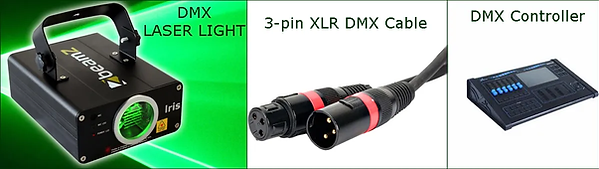
How does DMX work?
DMX sends digital signals from a source (e.g., a DMX console or software) to lights or effects. Each device receives data via a serial connection and responds to specific commands—for example:
- Light color – mixing RGB values
- Movement – X and Y axes for moving lights
- Effects – strobe, smoke, rotation, etc.
DMX uses a channel system where each channel corresponds to a single function, such as those listed above.
A full block of 512 channels is called a universe*. For more complex installations, we can use multiple universes via Art-Net or sACN.
*A universe is a block of 512 DMX channels that can control lights and effects. Each DMX device uses a certain number of channels, and when we exceed the 512 limit (typically the last 2 are omitted, so we use only 510), it is necessary to use another universe and start the count from 1 again.
These channels are set via a DIP switch, but what exactly is that?
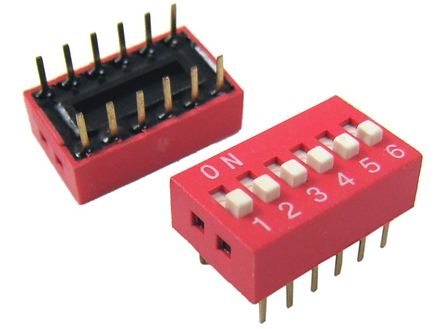
A DIP switch is a small panel with several switches used to set the DMX address—that is, the first channel on which the device begins receiving a signal.
If a device uses three channels and has address 1, it will be controlled via channels 1, 2, and 3. The next device should start at address 4 or higher to prevent channel overlap.
> What generates the DMX signal?
1. Lighting consoles
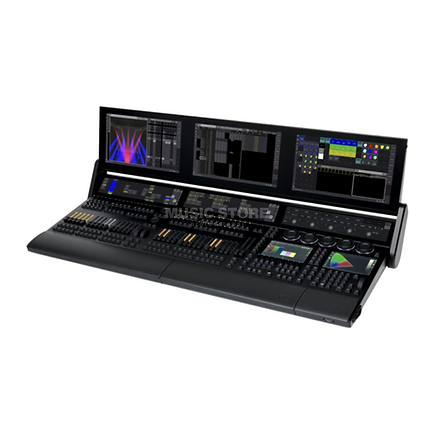
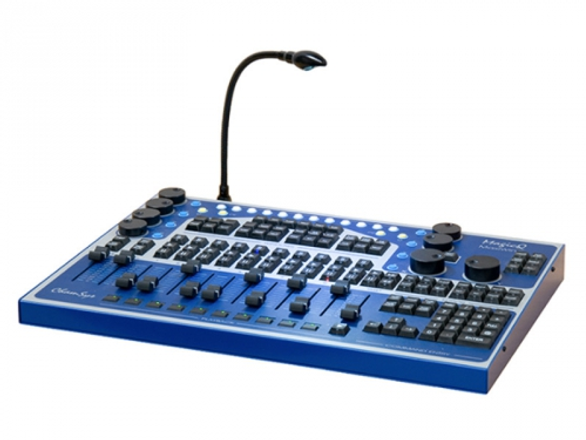
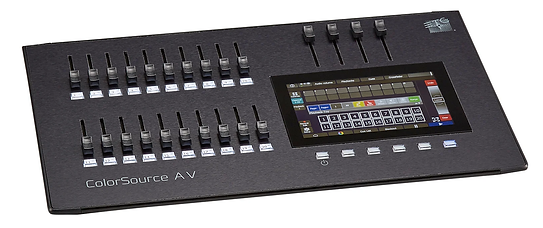
Professional lighting consoles are the most common devices for generating a DMX signal. Consoles are used to control lights, effects, moving heads, and other equipment in real time during performances, concerts, and other events.
GrandMA
2. Lighting Control Software
Software such as LED Strip Studio 3 can generate a DMX signal directly from a computer or laptop. This provides easy control over lights and is often used for visualizations or automated lighting in various applications.
3. DMX Signal Generators (DMX Generators)
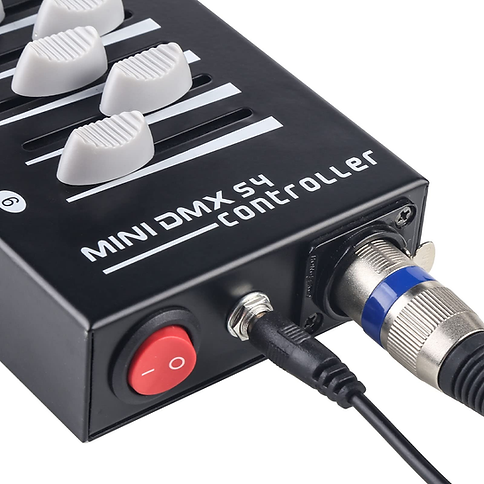
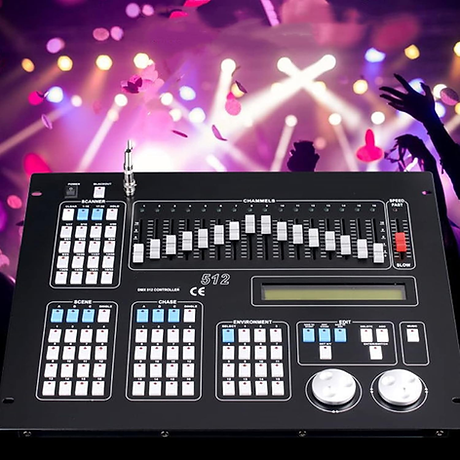
These devices are used to generate a basic DMX signal without the need for sophisticated software or a console. They are used for smaller projects where simple control of lights or effects is required.
- USB DMX generators – small devices that connect to a computer and generate a DMX signal to control lights.
4. Converters and adapters
- Art-Net to DMX converters and other adapters can convert signals between different protocols, but they require a device that generates a DMX signal to convert it into a format that lights can recognize.
- Art-Net to DMX node
- sACN (Streaming Architecture for Control Networks) converters.
What receives the DMX signal?
The DMX signal is received by various lighting and effect devices, including:
- LED lights and spotlights – used in clubs, on stages, and in TV studios
- Moving heads – lights capable of movement along the X and Y axes
- Smoke machines and special effects – such as CO2 cannons, spark effects, lasers
- Architectural lighting – buildings, bridges, fountains
- LED panels and video walls – while not all, some can be controlled via DMX
Where is DMX used?
DMX is widely used due to its reliability and simplicity.
In small and medium-sized installations, DMX is still preferred for several reasons:
- Concerts and festivals – at small and medium-sized events where a huge number of channels isn’t required and where stability is needed without relying on a network.
- Theaters and TV studios – where lighting is set up in advance and there’s no need to dynamically change a large number of lights at once.
- Nightclubs and events – where complex network solutions aren’t necessary and a direct DMX cable connection is more practical.
- Architectural lighting – where simple installations are often used that don’t require the flexibility of Art-Net.
Why is DMX still used over Art-Net?
Even though Art-Net allows for the control of a larger number of lights and offers flexibility over a network.
DMX has its advantages:
- Reliability – DMX operates independently of network infrastructure, which can experience outages or delays.
- Easy setup – at smaller events, it is often easier to plug in a DMX cable than to deal with network addresses and configurations.
- Compatibility – most devices on the market still support DMX, while not all support Art-Net.
- Stability – a wired connection means a lower risk of interference and outages compared to wireless and network solutions.
Disadvantages of DMX compared to Art-Net:
- Limited number of channels – 512 channels per universe means that for large installations, it is necessary to use multiple DMX lines or converters.
- Cabling – for large productions, running DMX cables can be complicated and confusing.
- No feedback – DMX does not provide information about the device’s status (e.g., whether it is receiving data correctly or has an error), which Art-Net does.
> How to reliably set up a DMX system?
- Use high-quality DMX cables, not microphone XLR cables.
- Do not connect more than 32 devices to a single DMX line—if there are more, use a DMX splitter.
- Wireless DMX is the solution if you don’t want to run miles of cables (e.g., LumenRadio, W-DMX).
- DMX is transmitted repeatedly 44 times per second, so some lights may respond differently to rapid changes.
- Use a DMX terminator if you have a long chain of devices to prevent signal interference.
DMX is a great system for lighting control, but it requires proper setup and an understanding of the basic principles. If set up correctly, it will provide you with reliable and flexible control over your lighting.
Please contact us or give us a call to discuss a collaboration. We’d be happy to help!
What kind of cable do I use for DMX — can I use a regular XLR mic cable?
You should use DMX-rated cable, not standard microphone XLR cable. DMX cable has a higher impedance (110 ohms) designed for the data signal, while mic cable is typically 75 ohms and not designed for digital signals. Using mic cable causes reflections and signal interference that can make fixtures behave erratically, especially over longer runs. Properly labeled DMX cable isn’t expensive — it’s worth using the right thing.
How many lights can I connect to a single DMX cable?
The DMX spec allows up to 32 devices per line before the signal becomes too weak. If you need more devices, use a DMX splitter (also called a DMX booster or distributor) — it takes one DMX input and outputs multiple isolated copies of the signal, each able to drive 32 devices. Never connect more than 32 devices in a single chain without a splitter, and always terminate the end of the chain with a 120-ohm resistor or terminator plug.
What is a DMX universe and why does it matter for LED installations?
A DMX universe is a block of 512 channels. Each RGB pixel uses 3 of those channels, so one universe holds a maximum of 170 RGB pixels. For anything bigger than a simple installation, you need multiple universes — which is why professional LED setups use Art-Net or sACN over Ethernet, since they can carry thousands of universes over one network cable instead of needing a separate DMX cable for each universe.
Can I control pixel LEDs directly over DMX without a computer?
Yes, using a standalone DMX controller or a pixel controller with an SD card. LED Strip Studio’s SPI LED Controller can store up to 255 animations on an SD card and trigger them from DMX scene-select commands — no computer needed once the animations are loaded. A small DMX board or wall panel sends the trigger commands. This is a common setup for bars, restaurants, and retail stores that want simple, reliable scene control without a technician on site.
Why would I still use DMX instead of switching everything to Art-Net?
Many fixtures — moving heads, fog machines, lasers, conventional dimmers — only speak DMX and don’t have Ethernet ports. If your installation includes a mix of pixel LEDs and traditional stage lighting, you’ll likely use Art-Net for the pixel LED side and DMX for the conventional fixtures, bridging them with an Art-Net-to-DMX node. It’s also simpler for very small, fixed installations where running a DMX cable is easier than setting up a network.