

Project Quick Facts
Bringing the Screen to Life with LED Strips #
When our colleague moved into his newly renovated apartment, he decided to take full advantage of the fresh space and install several smart lighting features — all aimed at enhancing his movie and series watching experience. The result is a seamless ambient lighting system that extends his display far beyond the screen itself.
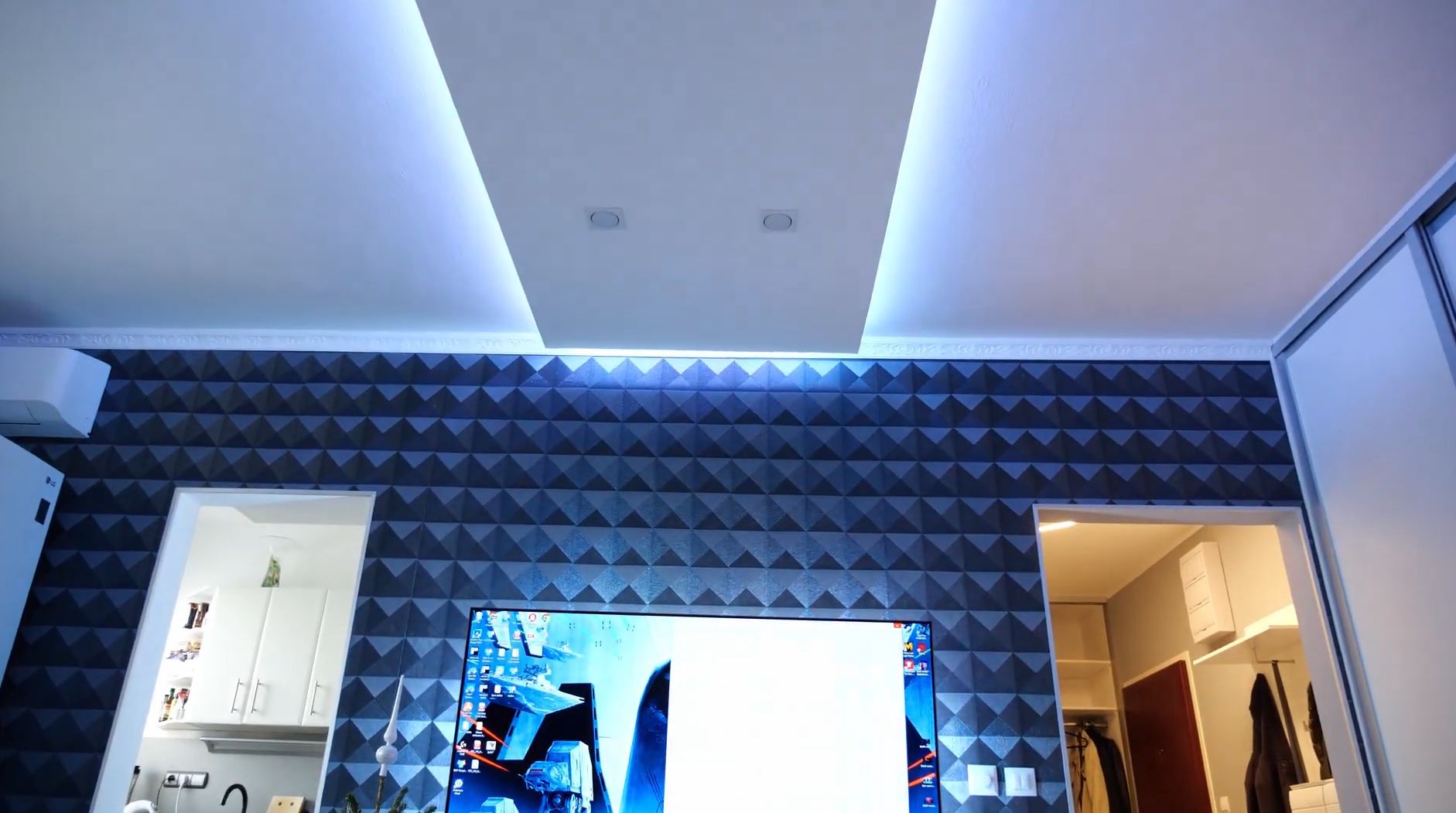
At the heart of the setup is LED Strip Studio and its Screen Grabber function. This feature captures the content playing on the monitor in real time and translates the dominant colors along each edge directly to the LED strips. The effect is a living, breathing border of light that mirrors whatever is happening on screen — dark action scenes go deep and moody, bright landscapes flood the room in warm light. It’s not just visually impressive; it genuinely reduces eye strain during long viewing sessions.
The Hardware: Two Strip Types, One Smart System #
The installation uses two types of LED strips working side by side, each serving a distinct purpose.
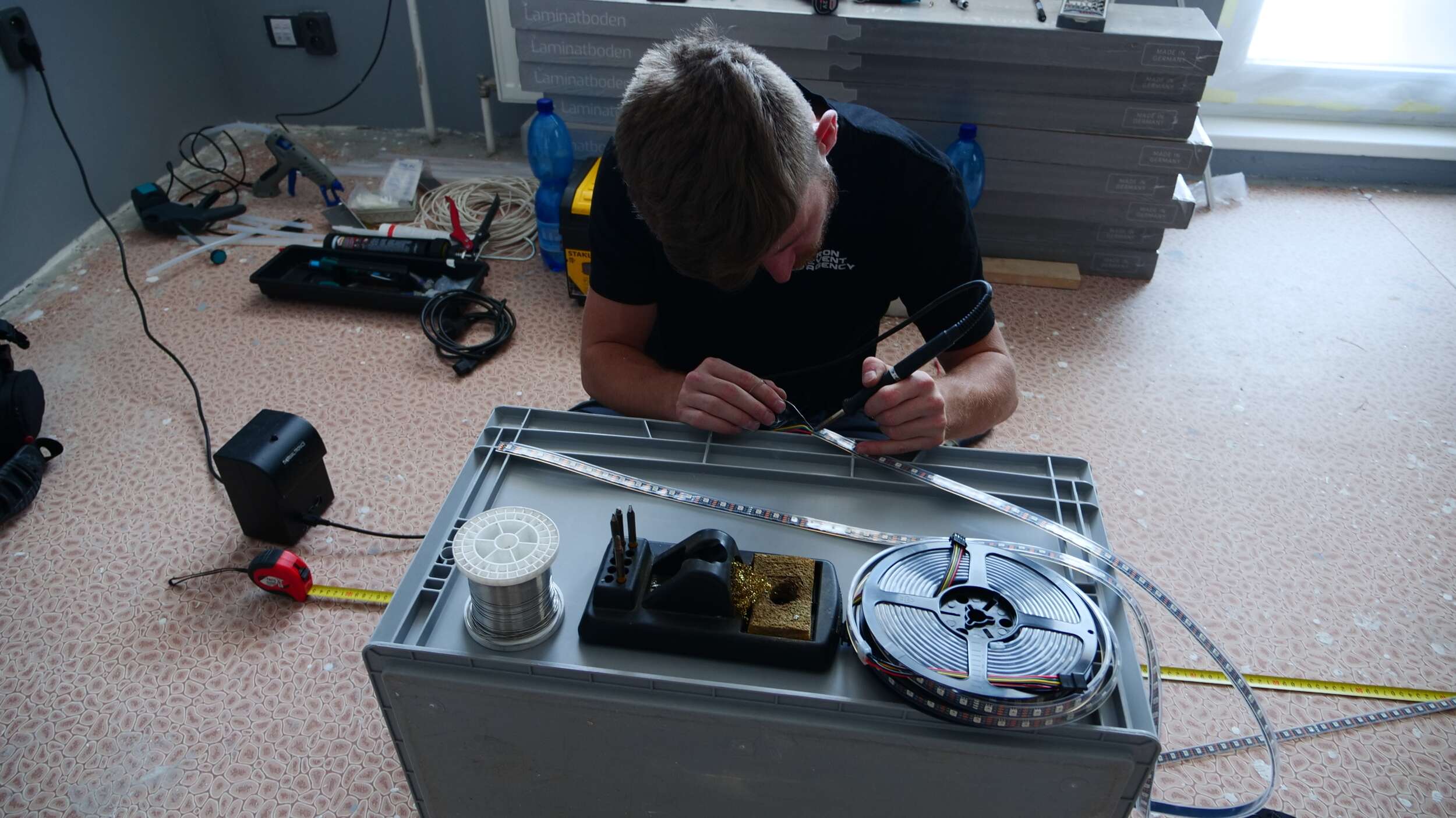
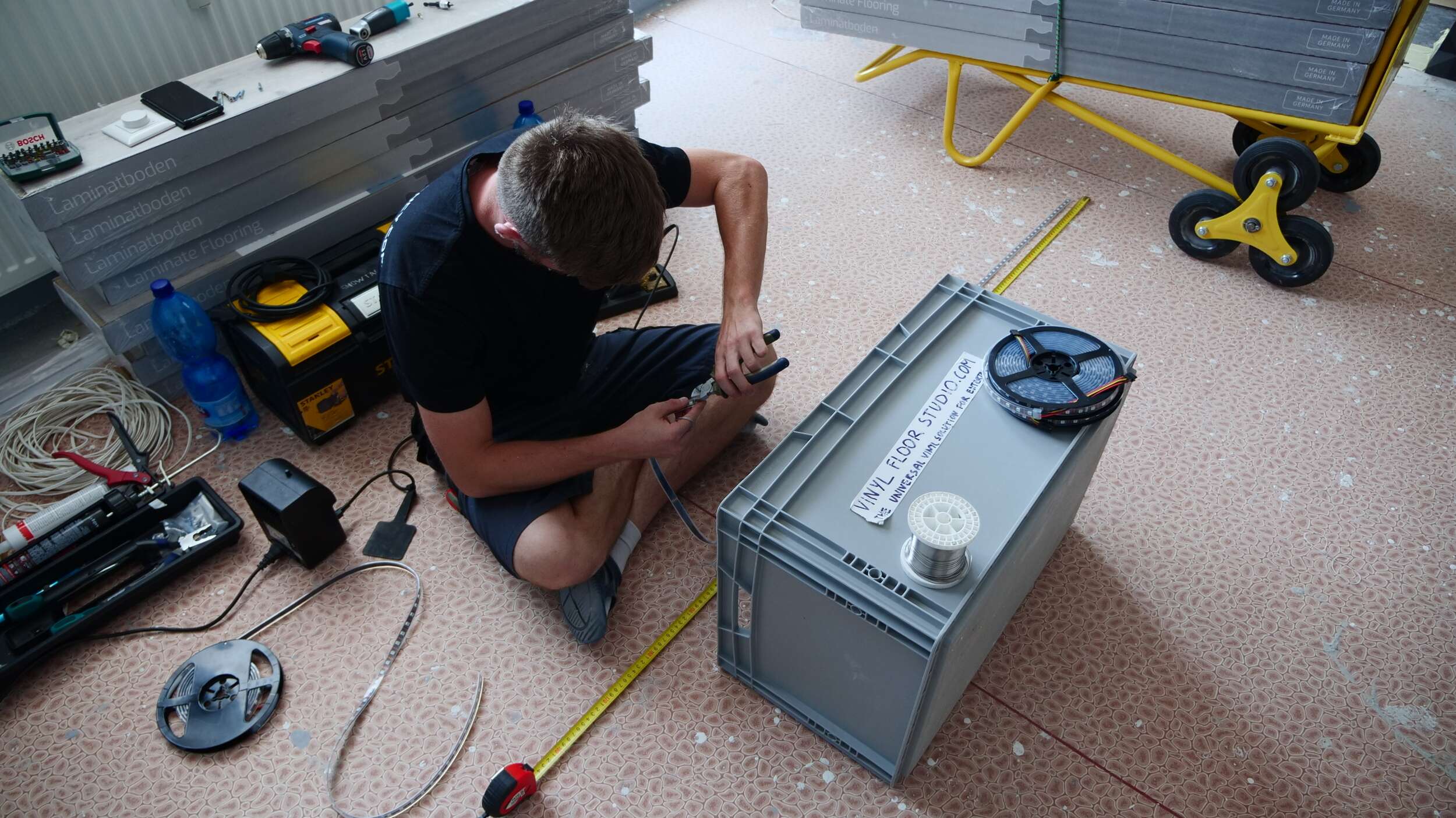
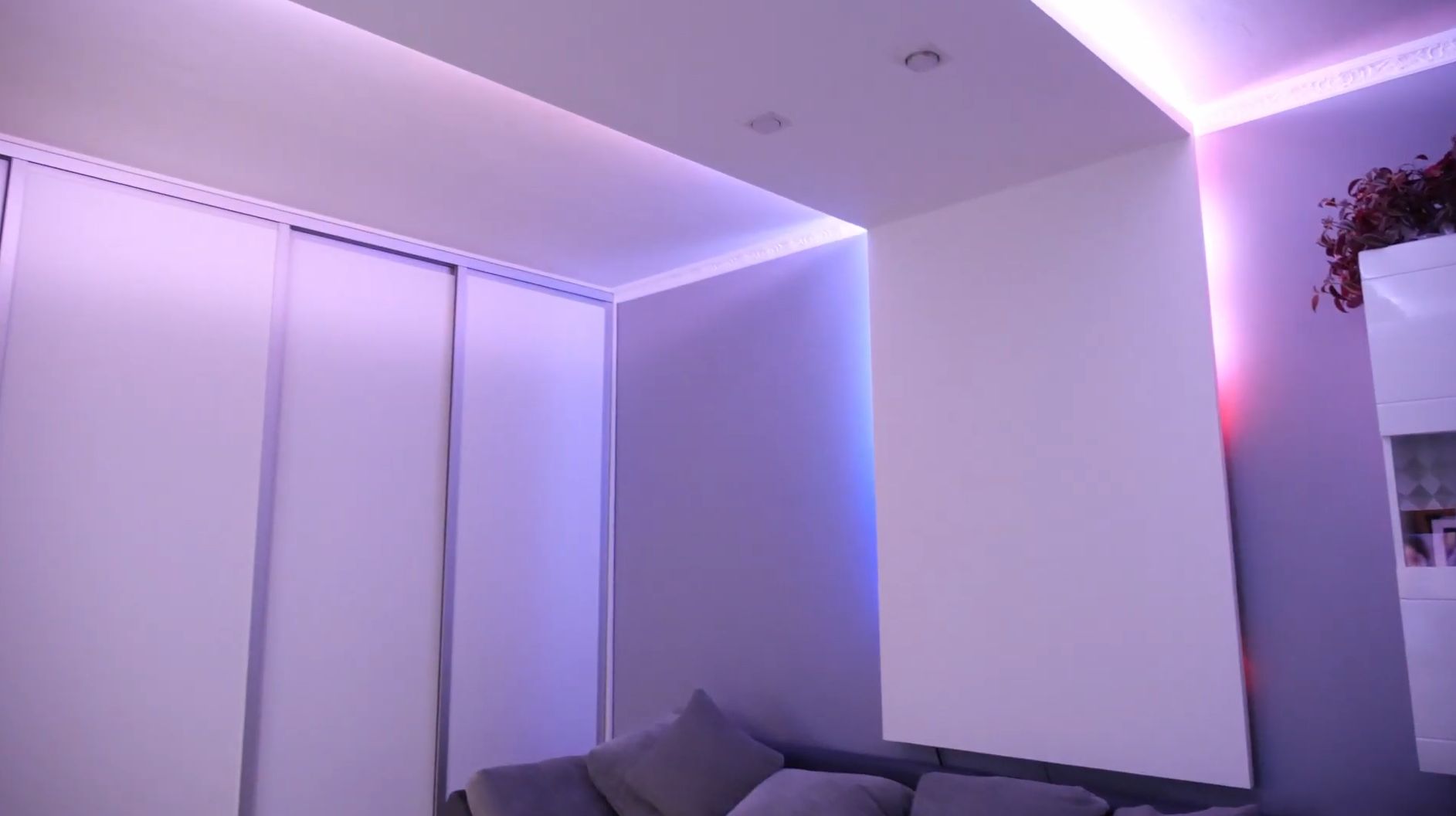
The digital (addressable) strips — 12V, 60 pixels per meter — are mounted inside the suspended ceiling frame in the living room. The ceiling has a rectangular shape and the strips are positioned so that light never shines directly downward. Instead, it bounces off the ceiling and walls, creating a soft, diffused glow that wraps the room in color. This indirect approach is ideal for ambient lighting: no need to hide the LEDs behind a diffuser, and the light feels far gentler on the eyes.
Running alongside the digital strips is a classic analog LED strip — 24V, 60 LEDs per meter — which serves as the primary light source. This dual-strip approach is a practical choice: more powerful LEDs handle general illumination, while the addressable pixels take care of the dynamic ambient effects. You get the best of both worlds without compromise.
Reactivo Controller and PWM Dimmer #
The entire digital strip system is managed by the Reactivo controller, which is capable of driving up to 1024 pixels with ease. Its compact form factor makes it a perfect fit for installations where space inside the ceiling cavity is limited. Connecting it to LED Strip Studio is straightforward, and the Screen Grabber integration works without any complex configuration.
For the analog strips, a simple PWM dimmer handles brightness control. No need for anything more complex — the analog strip is there for functional lighting, and reliable dimming is all that’s required.
Aluminum Profiles for a Clean Finish #
As always, both strip types are housed in aluminum profiles to protect against dust and physical damage over time. In this case, since the light reflects indirectly rather than being viewed straight-on, the profiles don’t need to meet the usual minimum 3 cm depth requirement that prevents individual LED dots from showing through. The installation stays clean and professional, with no visible hotspots.
The Result: A Room That Responds #
What makes this setup stand out is how naturally it blends functional lighting with an immersive ambient experience. The switch between regular room lighting and screen-synced ambilight happens seamlessly, and the Reactivo controller handles everything without breaking a sweat. It’s a practical, well-engineered solution that proves how much atmosphere a thoughtful LED installation can add to an everyday living space.
FAQ #
What is the Screen Grabber function in LED Strip Studio?
The Screen Grabber is a feature in LED Strip Studio that continuously captures the image from your monitor or display in real time. It reads the dominant colors along each edge of the screen and sends those color values directly to the connected LED strips. The result is an ambilight-style effect where the strips mirror whatever is playing — whether that’s a dark thriller, a sunny landscape, or a colorful animation. The update rate is smooth enough that the effect feels live rather than lagged.
What is the difference between a digital (addressable) and an analog LED strip?
A digital (addressable) LED strip has a control chip at each LED position, which allows every pixel to be set to an independent color and brightness. This is what makes ambilight effects, color animations, and pixel mapping possible. An analog LED strip runs all LEDs at the same color and brightness simultaneously — there is no per-pixel control. Analog strips are simpler, often more powerful per meter, and ideal for general-purpose illumination. In this installation, digital strips handle the ambient effects while the analog strip provides the main room lighting — each type doing what it does best.
Why use indirect lighting in a suspended ceiling?
When LED strips are mounted inside a suspended ceiling recess and aimed upward or sideways, the light bounces off the ceiling and walls before reaching the room. This indirect lighting technique produces a soft, diffused glow with no visible LED hotspots or harsh direct glare. It is especially well suited for ambient and ambilight installations because the light wraps the room evenly without any need for additional diffuser panels. The ceiling itself acts as the diffuser, and the result is much gentler on the eyes during long viewing sessions.
What is the Reactivo controller and how many pixels can it drive?
The Reactivo is a compact LED controller designed for addressable LED strips. It connects to LED Strip Studio over the network and receives pixel data in real time, making it a natural fit for Screen Grabber setups. Despite its small footprint — important when space inside a ceiling cavity is limited — it can drive up to 1024 pixels without any performance issues. Setup and integration with LED Strip Studio require no complex configuration, which makes it a reliable choice for residential installations where simplicity matters.
Do aluminum profiles need a minimum depth for indirect lighting?
In installations where the LED strip is viewed directly (for example, through a diffuser cover on a wall or under a cabinet), the profile channel should typically be at least 3 cm deep to prevent individual LED dots from being visible through the diffuser. However, when the light is bounced indirectly — as in this suspended ceiling setup — the viewer never looks straight at the strip. In that case, the minimum depth requirement no longer applies, and a shallower, more compact profile works perfectly well while still protecting the strip from dust and physical damage.
Can a single system combine ambilight and standard room lighting?
Yes — and this installation is a good example of how to do it cleanly. The digital strips connected to the Reactivo and LED Strip Studio handle the ambilight effects, while a separate analog strip with a PWM dimmer provides the primary functional lighting. The two systems operate independently, so you can run the room at full brightness for everyday use, switch to ambilight mode for watching content, or run both simultaneously at adjusted levels. Using separate strip types for each role means neither system is compromised — you get full pixel control for effects and full brightness output for general illumination.